Start with your details
Add your company, employee and pay information. Set up one pay period or create several stubs together.

Enter your details, review your stub, and make it yours.
Choose a template to see its price.
Preview free · Pay when ready to download
Explore the templates, understand the process and find answers to common questions about your pay stubs.
Work through the details at your pace. See your document take shape before you pay.
Add your company, employee and pay information. Set up one pay period or create several stubs together.
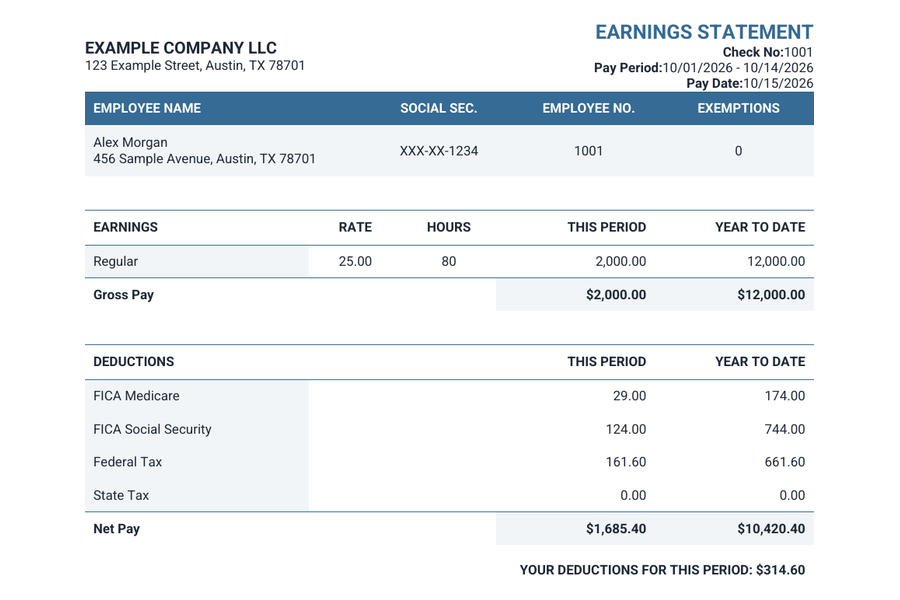
Choose from six layouts, change the color and font, and review each preview before checkout.
Complete your purchase, download your documents, and receive a copy by email.
From a familiar earnings statement to a spacious Modern layout, choose the format that suits your records. Our pay stub template comparison explains the layout differences.
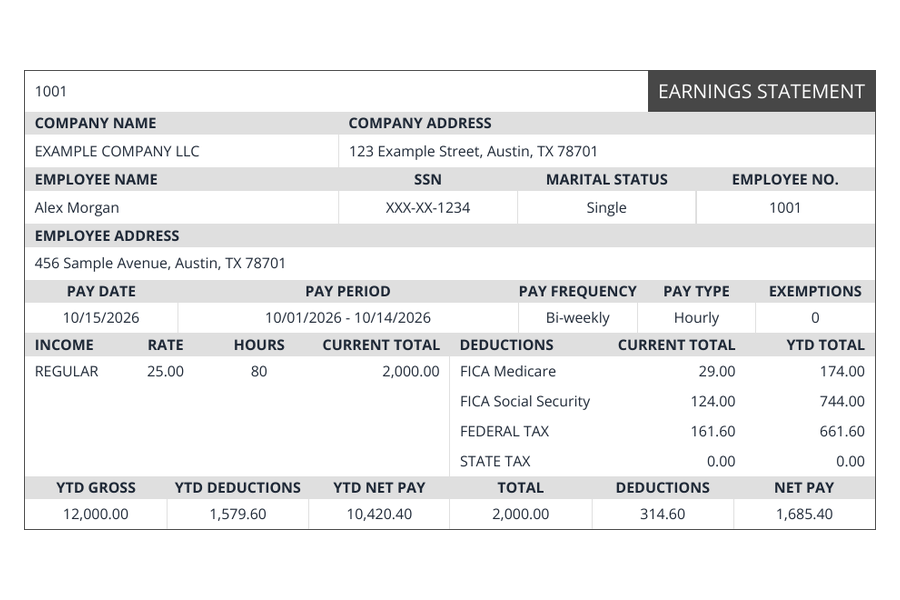
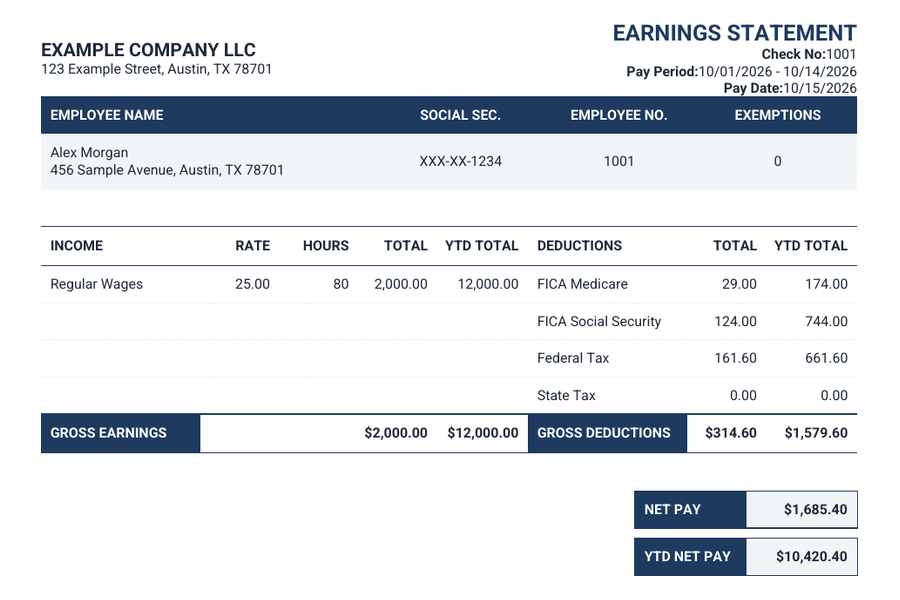
Answers to the questions that come up most often.
Yes. Your preview updates as you enter details. Enlarge it to review each pay stub, switch templates, and check any deposit slips before checkout.
Yes. Your entered details are kept when you switch designs. Some templates display different optional fields; the picker explains which details each design shows.
Progress saves for this browser session. At checkout, Save for later gives you a private link to return to your order. Keep that link private and note its expiry date.
After successful payment, open your completed order to download your PDFs. Documents are also emailed to the address you provide at checkout. Check the address carefully before paying.